CPTS Recap: The Academy, The Exam & A 200-Page Report
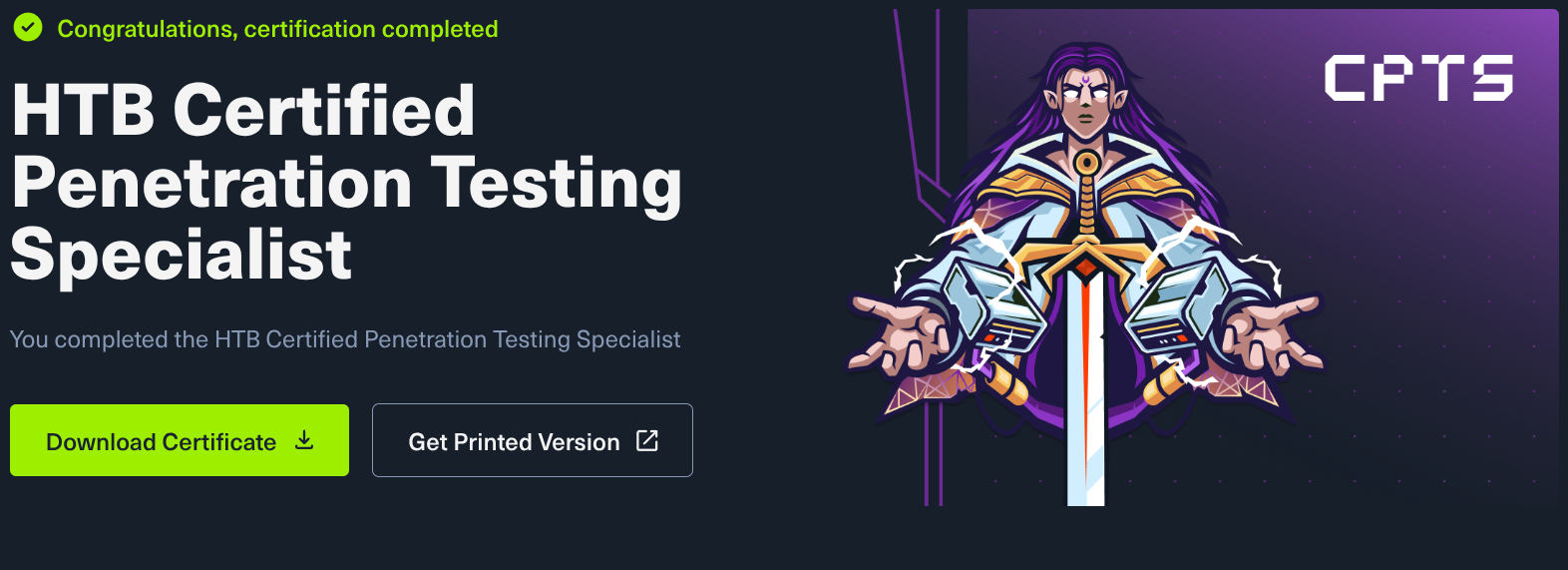
// IMG_REF: PASSED
The CPTS is officially done.
Before we get into the details, let’s address the basics: What is the Hack The Box Certified Penetration Testing Specialist (CPTS), how much does it cost, and how does it compare to other certifications like OSCP? Honestly, there are already 10,000 YouTube videos and Medium articles debating this. I’m not going to waste time rehashing it here. Instead, here is a breakdown of my actual experience going through the training, the exam environment, and delivering the final report.
The HTB Academy: From Zero to Enterprise
The associated path in the HTB Academy is massive. The material genuinely starts from absolute zero. Anyone could technically jump in and start learning but it scales up significantly. It covers the entire spectrum: Web Exploitation, Windows Internals, Linux Privilege Escalation, and deep Active Directory mechanics.
They did not hold back. Nothing was intentionally left out, and the sheer volume of content is impressive.
If you want to know what the exam feels like, pay close attention to the final module: Attacking Enterprise Networks (AEN). This module is highly representative of the actual exam environment, just on a smaller scale. If you can clear that module comfortably, you are technically ready. For comparison: AEN took me about 3-4 hours of unfocused work.
The Exam Environment & Parallel Reporting
The exam environment is essentially a scaled-up version of the final module. To be completely honest, I found the CPTS to be very easy on a technical level. Obviously, difficulty is highly subjective, but keeping in mind that the AEN module only took me a few hours, the exam itself felt fairly trivial. There was nothing extraordinary or overly complex about it, and I completed the practical exploitation phase in about three days.
But here is the critical detail: I did the reporting in parallel with the engagement. Those three days included writing the report. I didn’t hammer into the keyboard for three days and then spend five days writing. Every time I compromised a host or grabbed a hash, I immediately took the screenshot and wrote the text.
However, the exam did drag on a bit at one specific point. Usually, HTB paths are logical: you enumerate, you find component A, which gives you the access needed to exploit component B. But there was one instance where logic took a back seat. There wasn’t a clean, linear path forward; I just had to try my luck. It required throwing different variations at the wall until something finally clicked. Once past that bottleneck, the momentum returned.
The Deliverable: A 200+ Page Report
Reporting is where the real work happens. I ended up writing over 200 pages.
Most of that was pure text and detailed descriptions. In hindsight, I probably included a few too few screenshots. If I had added more visual evidence, the report would have easily hit 250 pages. I didn’t just document the critical path required to compromise the domain, I documented everything. During my enumeration, I found numerous vulnerabilities that couldn’t be directly utilized for the main objective, but they were still valid security flaws. Delivering a comprehensive, commercial-grade assessment is always the better approach.
A massive time-saving tip: Write your findings directly into SysReptor as actual findings from the start. Don’t just dump raw text into a scratchpad and plan to format it into a proper finding later. Just create a “New Finding” and document it live. It might feel a bit messy in the moment, but it will save you hours of formatting later. Don’t do the same mistake as me.
After the report is evaluated you get constructive feedback:
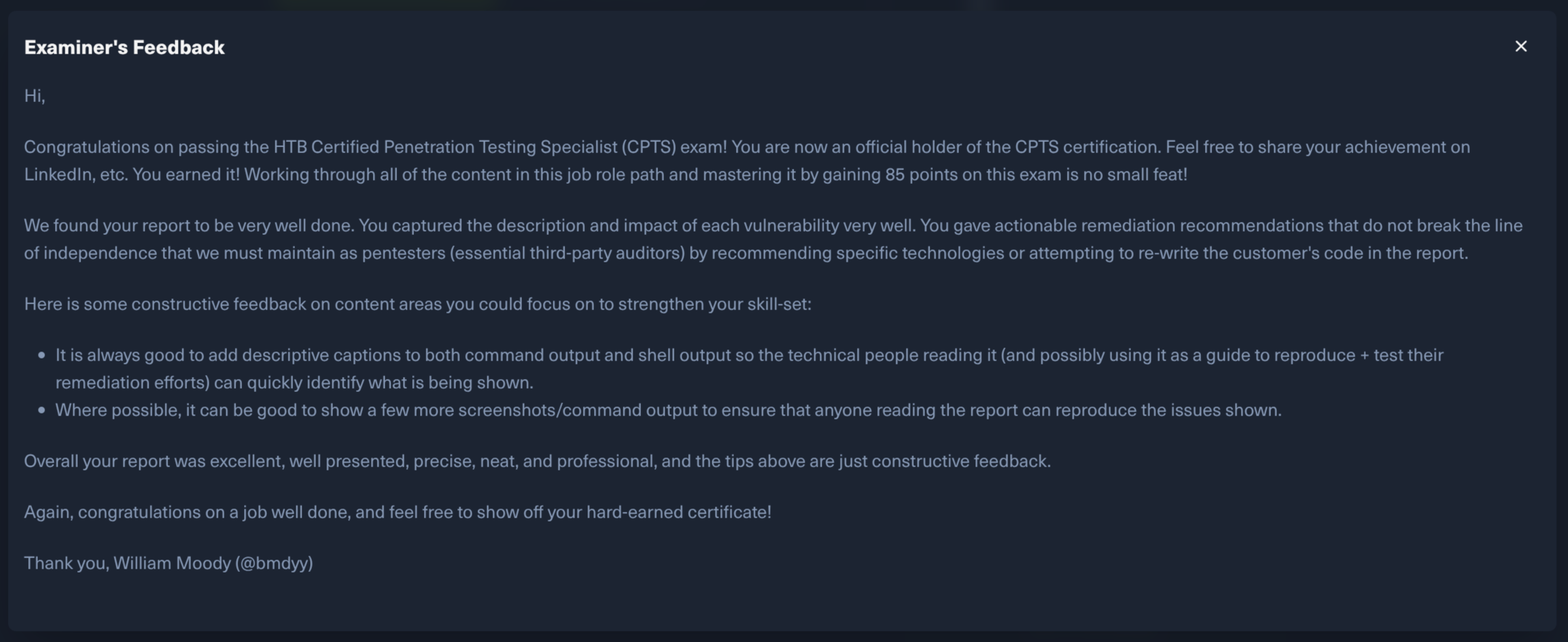
Well, thank you.
Operational Tips for the Trenches
- Ligolo-NG: Practice, practice, practice. I cannot emphasize this enough. Practice pivoting through multiple subnets across different hosts using different techniques. Local port forwarding, remote port forwarding, SOCKS proxies, etc. etc.
- Use a C2: Highly recommended. Even meterpreter is way easier to use than spawning 10 different shells on 6 different hosts as 4 different users.
- Change Your Enumeration Angle: If you find nothing.. absolutely nothing.. then you should enumerate again, but differently. Staring at the same output won’t magically spawn a shell. Change your perspective, switch your tooling, or look at a different protocol entirely.
- Design Notes for a Reboot: I had to reset the entire exam network three or four times. Your notes must be bulletproof. You need to write your documentation with one mindset: “If I have to reboot the environment right now, how fast can I get back to this exact pivot point?” If I hadn’t taken rigorous, structured notes as I went, the exam would have taken significantly longer.
- Tmux Logging: For those who need a safety net, you can use
tmuxlogging to dump all terminal input and output to a file. Honestly, I didn’t use this.. I stuck to my standard workflow of taking manual screenshots. But it’s a solid backup strategy if you’re worried about losing console output.
The Timeline & Logistics
Regarding the grading turnaround: I submitted my report on a Friday evening. Naturally, nothing happens over the weekend. I received the official “Passed” confirmation email on Wednesday afternoon.
So, effectively, it took them 3 working days to review a 200+ page document which is impressive. The official SLA says it can take up to 20 days, but the reality was much faster.
The CPTS is a massive milestone, but the execution engine doesn’t stop. Back to the lab.